Mango Proxy
Residential, ISP, datacenter, and mobile proxies with HTTP(S) and SOCKS5, rotating and static, for HeadlessX scraping and automation.
by @saifyxpro

What is Mango Proxy?
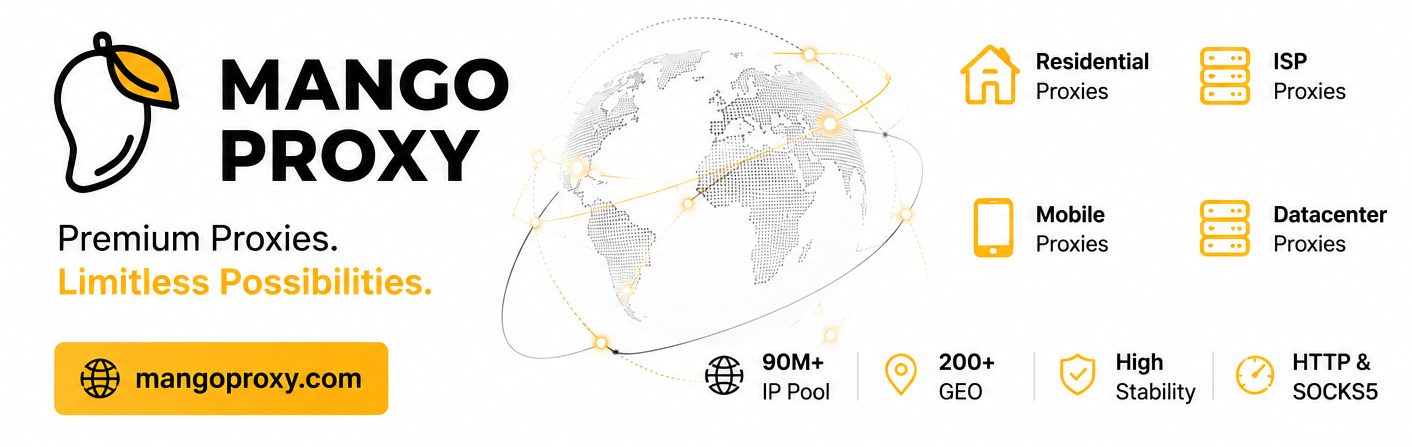
Mango Proxy provides residential, ISP, datacenter, and mobile proxies for automation, web scraping, SEO, social media management, and other online tasks. They support HTTP(S) and SOCKS5 and offer both rotating and static proxy solutions.
HeadlessX handles browser fingerprinting with Camoufox. Mango Proxy handles the IP layer. Together they cover the two signals anti-bot systems check first: who the browser claims to be, and where the traffic originates.
Why proxies matter for HeadlessX
When you run HeadlessX on a VPS, outbound traffic comes from datacenter IP ranges. Many anti-bot systems flag datacenter IPs before they evaluate the browser fingerprint. Residential, ISP, and mobile proxy capacity removes that signal.
What Mango Proxy offers
Mango Proxy is a current HeadlessX sponsor. Their network is built for operators who need mixed proxy types, HTTP(S) and SOCKS5, and both rotating and sticky/static sessions.
| Feature | Details |
|---|---|
| Proxy types | Residential, ISP, datacenter, mobile |
| Protocols | HTTP(S) and SOCKS5 |
| Session style | Rotating and static |
| IP pool | 90M+ IPs |
| Coverage | 200+ geos |
| HeadlessX promo | SAIFYXPRO — 8% off Static ISP Proxies |
Strengths for HeadlessX users
- Residential and ISP traffic looks like a real subscriber instead of a VPS.
- Static ISP sessions stay on one trusted IP for logins and multi-step workflows.
- Datacenter and mobile options when you need speed or carrier-grade trust.
- HTTP(S) and SOCKS5 match whatever protocol you save in HeadlessX Settings.
HeadlessX user promo code
| Code | Discount | Applies to |
|---|---|---|
SAIFYXPRO | 8% off | Static ISP Proxies |
Apply the code at checkout on Mango Proxy.
How to configure Mango Proxy with HeadlessX
You can add Mango Proxy endpoints through the HeadlessX dashboard or directly via the API.
Dashboard
- Open Settings in the HeadlessX dashboard.
- Navigate to the Proxy tab.
- Enable proxy routing and paste your Mango Proxy endpoint (
host:portorusername:password@host:port). - Choose HTTP or SOCKS5 to match the product you bought.
- Click Test Proxy to verify exit IP and latency, then Save Proxy.
API
Once added, HeadlessX applies the proxy to new Camoufox browser sessions.
When to use Mango Proxy
- Production scrape jobs where targets block datacenter IPs
- Sticky login flows that need static ISP sessions
- SEO and SERP work that needs rotating residential coverage
- Social and automation workflows that need HTTP(S) or SOCKS5
Frequently asked questions
Does Mango Proxy work with HeadlessX Camoufox sessions?
Yes. Save the endpoint in Settings → Proxy, or add it via /api/proxies. HeadlessX applies it to new Camoufox sessions.
What proxy types does Mango Proxy offer?
Residential, ISP, datacenter, and mobile. Rotating and static. HTTP(S) and SOCKS5.
What is the HeadlessX discount?
Use code SAIFYXPRO for 8% off Static ISP Proxies.
Get started
Try Mango Proxy now — use code SAIFYXPRO for 8% off Static ISP Proxies.